Unlock Seamless Monitoring - How to Choose IP Cameras Perfectly Matched for UniCam
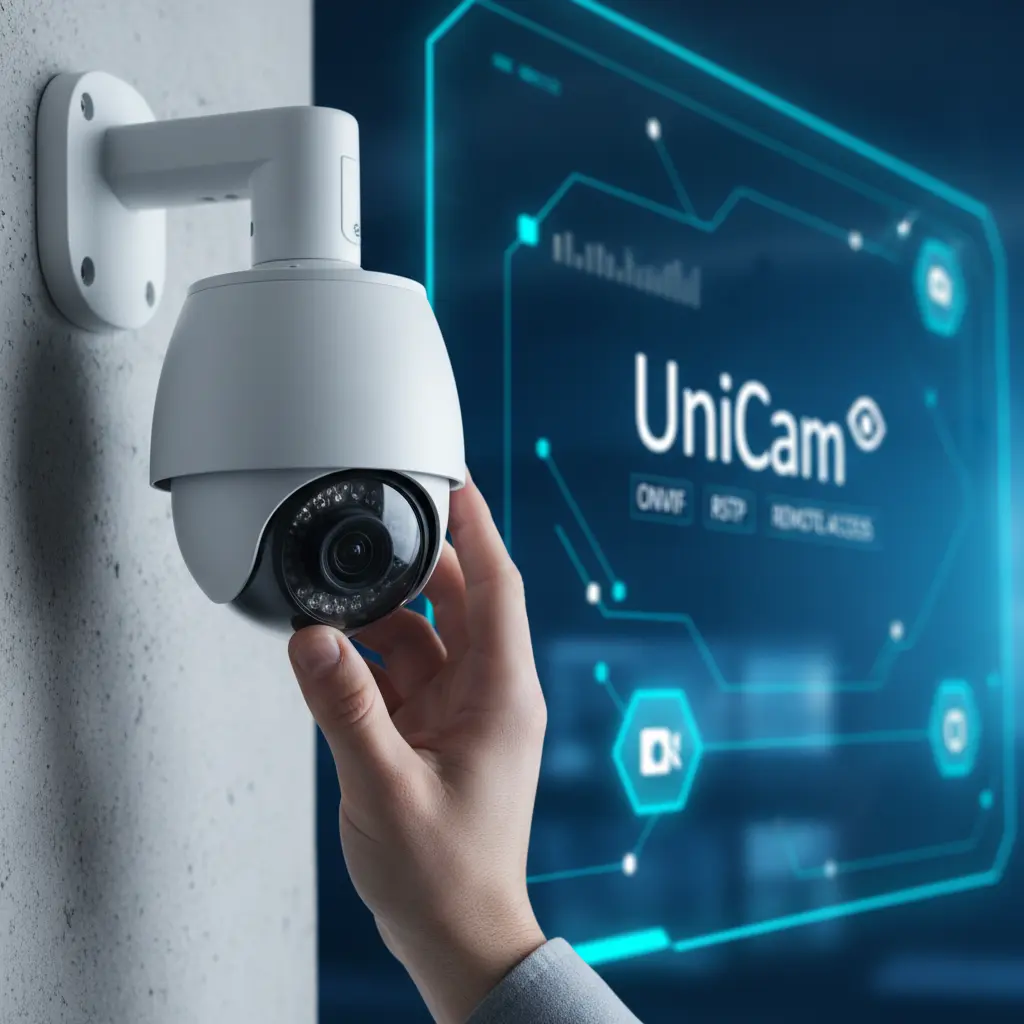
In today's interconnected world, an IP camera surveillance system is more than just a security measure; it's peace of mind, a watchful eye on what matters most. But simply owning an IP camera isn't enough. To truly unlock its potential, you need a robust, intuitive monitoring application like UniCam, and – crucially – cameras that speak its language.
Choosing the right IP camera isn't just about megapixels; it's about compatibility, functionality, and how seamlessly it integrates with your chosen monitoring platform. This guide will walk you through the essential considerations for selecting IP cameras that are perfectly matched for UniCam, ensuring you experience truly seamless, reliable, and intelligent surveillance.
Why Your Camera Choice Matters for UniCam (and Your Security)
Imagine buying a high-performance engine for a car, only to find it doesn't fit the chassis. The same principle applies to IP cameras and your monitoring software. UniCam is engineered to be a powerful, flexible hub for all your surveillance needs. However, its full capabilities – from crystal-clear remote viewing to event-triggered notifications – are best realized when paired with cameras designed for broad compatibility and robust performance.
A perfectly matched camera ensures:
- Effortless Setup: UniCam can quickly discover and configure your cameras, minimizing setup headaches.
- Reliable Streaming: Consistent, high-quality video feeds without drops or glitches.
- Full Feature Utilization: Access to advanced camera functionalities through UniCam's interface.
- Future-Proofing: An adaptable system that grows with your security needs.
Understanding UniCam's Core Compatibility: The Protocols You Need
UniCam's power lies in its versatility, supporting a wide array of streaming protocols to ensure broad camera compatibility. When selecting your IP camera, these are the key terms to look for:
ONVIF (Open Network Video Interface Forum)
Why it's crucial: ONVIF is the industry standard for IP-based security products. Cameras that support ONVIF allow UniCam to automatically detect, configure, and communicate with them, simplifying the setup process immensely. It's essentially a universal translator for IP cameras. Tip: Prioritize cameras with "ONVIF Profile S" or "Profile T" for video streaming and device management.
RTSP (Real-Time Streaming Protocol)
Why it's crucial: RTSP is the backbone of live video streaming over IP networks. UniCam uses RTSP to pull live video feeds directly from your cameras. Most IP cameras provide an RTSP URL for their main and sub-streams. Tip: Look for cameras that clearly specify their RTSP support and provide easy access to their RTSP URLs (often found in the camera's manual or web interface).
MJPEG (Motion JPEG)
Why it's crucial: While less common for primary high-resolution streams today, MJPEG is still supported by UniCam and can be useful for older cameras or specific low-bandwidth applications where continuous full-motion video isn't strictly necessary. It streams a series of JPEG images.
HLS (HTTP Live Streaming)
Why it's crucial: HLS is an adaptive bitrate streaming protocol developed by Apple, widely used for delivering video content over HTTP. Its support in UniCam is particularly beneficial for remote viewing on mobile devices and web browsers, as it's optimized for varying network conditions and offers excellent cross-platform compatibility. Tip: While your camera might not directly "output" HLS, UniCam can often re-stream or convert formats for optimal HLS delivery, enhancing your remote viewing experience.
The Golden Rule: Aim for cameras that support ONVIF and RTSP. This combination provides the best balance of easy integration and reliable streaming with UniCam.
Key Features to Look for in Your IP Camera
Beyond compatibility protocols, certain camera features directly enhance your UniCam experience and overall surveillance effectiveness:
Resolution (HD, 2K, 4K)
- Benefit: Higher resolution means sharper images and more detail, crucial for identification. UniCam can handle various resolutions, allowing you to view and record in stunning clarity.
- Consideration: Higher resolutions consume more bandwidth and storage. Choose based on your monitoring needs and network capacity.
Field of View (FoV) & Lens Type
- Wide-angle vs. Varifocal vs. PTZ:
- Wide-angle (fixed lens) is great for broad coverage of a static area.
- Varifocal lenses allow you to adjust the zoom and focus manually during installation, optimizing the FoV.
- PTZ (Pan-Tilt-Zoom) cameras offer remote control over camera direction and optical zoom directly through UniCam, providing dynamic coverage of large areas.
- Benefit: Tailor your camera's perspective to your monitoring requirements. UniCam's interface makes controlling PTZ cameras intuitive.
Night Vision (IR, Starlight)
- Benefit: Essential for 24/7 surveillance. Infrared (IR) LEDs provide black and white vision in total darkness, while "Starlight" sensors can capture color video in very low light conditions without IR.
- Consideration: Evaluate the IR range (meters/feet) to ensure it covers your desired area.
Audio (Two-Way)
- Benefit: Cameras with built-in microphones allow you to listen in, and those with speakers enable two-way communication. UniCam can facilitate both, turning your surveillance system into an intercom.
- Use Cases: Deterring intruders, communicating with delivery drivers, or checking in on pets.
Weatherproofing (IP Rating)
- Benefit: If installing outdoors, look for an IP (Ingress Protection) rating, e.g., IP66 or IP67, indicating resistance to dust and water.
- Consideration: An appropriate IP rating ensures your camera withstands the elements, providing continuous outdoor monitoring.
Power over Ethernet (PoE)
- Benefit: PoE cameras receive both power and data through a single Ethernet cable, simplifying installation and reducing cable clutter. UniCam can seamlessly connect to PoE cameras via your network.
- Consideration: Requires a PoE-compatible switch or injector.
UniCam's Edge: Leveraging Advanced Features with the Right Camera
When you pair the right IP cameras with UniCam, you unlock a superior monitoring experience:
Remote Monitoring from Anywhere
UniCam's robust remote monitoring capabilities allow you to access your live feeds and recordings from anywhere in the world. A camera providing a stable, compatible RTSP or HLS stream is key to this seamless remote access, whether you're using our mobile app or desktop client.
Cross-Platform Compatibility
Whether you're on iOS, Android, Windows, or macOS, UniCam offers a consistent and powerful viewing experience. Cameras that adhere to standard protocols like ONVIF and RTSP ensure that UniCam can interpret and display their feeds uniformly across all these platforms, giving you unparalleled flexibility.
Multi-Camera Management
Have multiple cameras from different brands? UniCam excels at managing a diverse array of IP cameras from a single, intuitive interface. As long as they support the core protocols, you can centralize your entire surveillance network.
Customizable Alerts and Notifications
Many IP cameras offer built-in motion detection. When paired with UniCam, you can configure sophisticated alert rules, sending instant notifications to your devices when motion is detected, ensuring you're always informed. UniCam acts as the intelligent hub for these camera-triggered events.
Practical Tips for a Smooth Setup
- Always Check Specifications: Before purchasing, thoroughly review the camera's technical specifications for ONVIF, RTSP, MJPEG, and HLS support. If in doubt, consult the manufacturer's manual or support.
- Start with Reputable Brands: Brands like Hikvision, Dahua, Reolink, Amcrest, Axis, and others are generally known for their broad protocol support and reliability. While UniCam supports a vast range, these often offer a smoother integration.
- Test Before Full Deployment: If possible, acquire one camera and test its integration with UniCam before investing in an entire system. This allows you to iron out any compatibility kinks.
- Network Considerations: Ensure your home or business network has sufficient bandwidth to handle multiple high-resolution video streams, especially for remote access. Wired (Ethernet) connections are generally more reliable than Wi-Fi for IP cameras.
- Keep Camera Firmware Updated: Regularly check for and install firmware updates from your camera manufacturer. These updates often include security patches, bug fixes, and improved protocol compatibility, ensuring optimal performance with UniCam.
Conclusion
Choosing the perfect IP camera doesn't have to be a daunting task. By focusing on compatibility with UniCam's supported protocols (especially ONVIF and RTSP) and considering key features like resolution, night vision, and PTZ capabilities, you can build a surveillance system that is robust, reliable, and incredibly easy to manage.
UniCam empowers you with the tools to monitor your world seamlessly. By making informed camera choices, you're not just buying a device; you're investing in peace of mind, crystal-clear visibility, and the assurance that your surveillance system is truly optimized for unparalleled performance. Start exploring cameras today and unlock the full potential of UniCam!