6 posts tagged with "UniCam"

UniCam tag description

View All Tags

Unlock Seamless Monitoring - How to Choose IP Cameras Perfectly Matched for UniCam

· 7 min read
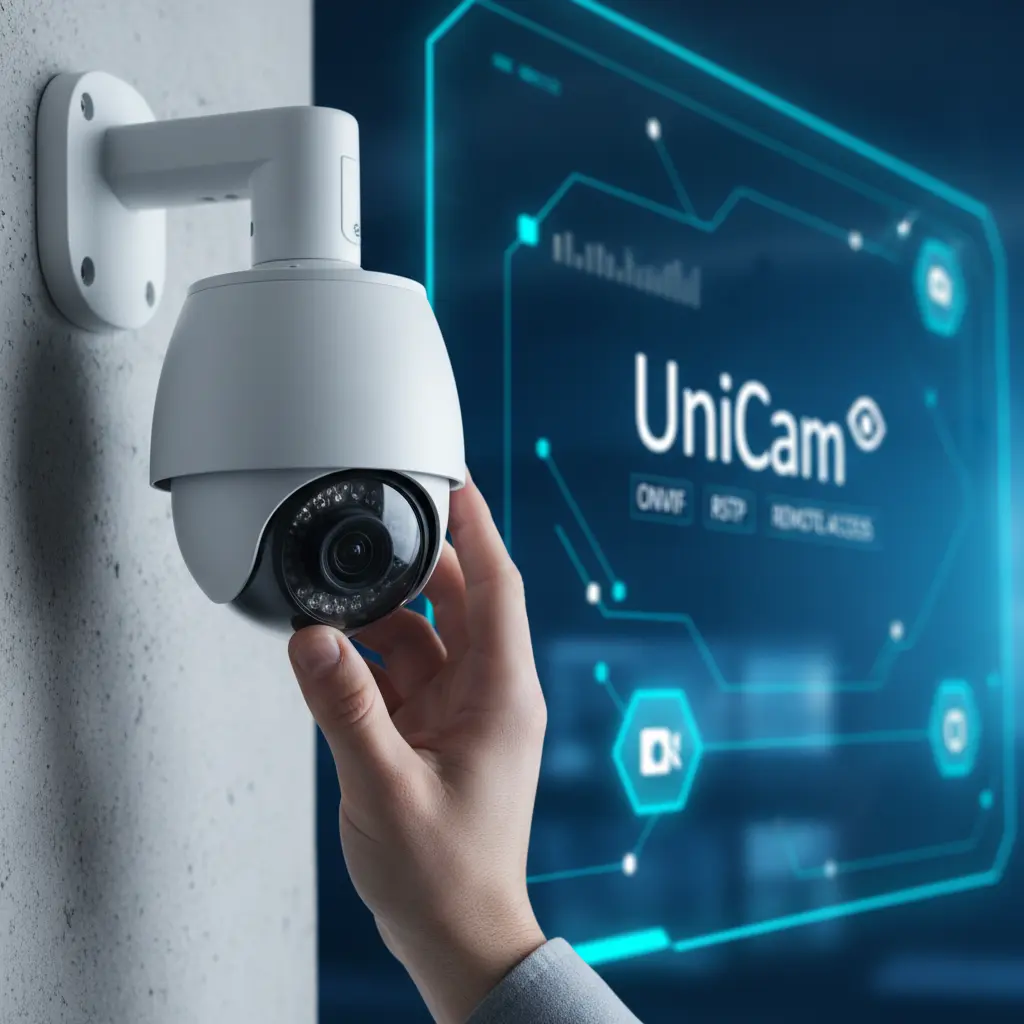
A hand adjusting an IP camera lens, with a blurred background showing a digital interface with UniCam branding.

In today's interconnected world, an IP camera surveillance system is more than just a security measure; it's peace of mind, a watchful eye on what matters most. But simply owning an IP camera isn't enough. To truly unlock its potential, you need a robust, intuitive monitoring application like UniCam, and – crucially – cameras that speak its language.

Choosing the right IP camera isn't just about megapixels; it's about compatibility, functionality, and how seamlessly it integrates with your chosen monitoring platform. This guide will walk you through the essential considerations for selecting IP cameras that are perfectly matched for UniCam, ensuring you experience truly seamless, reliable, and intelligent surveillance.
Smart Baby & Pet Monitor Setup - UniCam Peace of Mind

· 7 min read

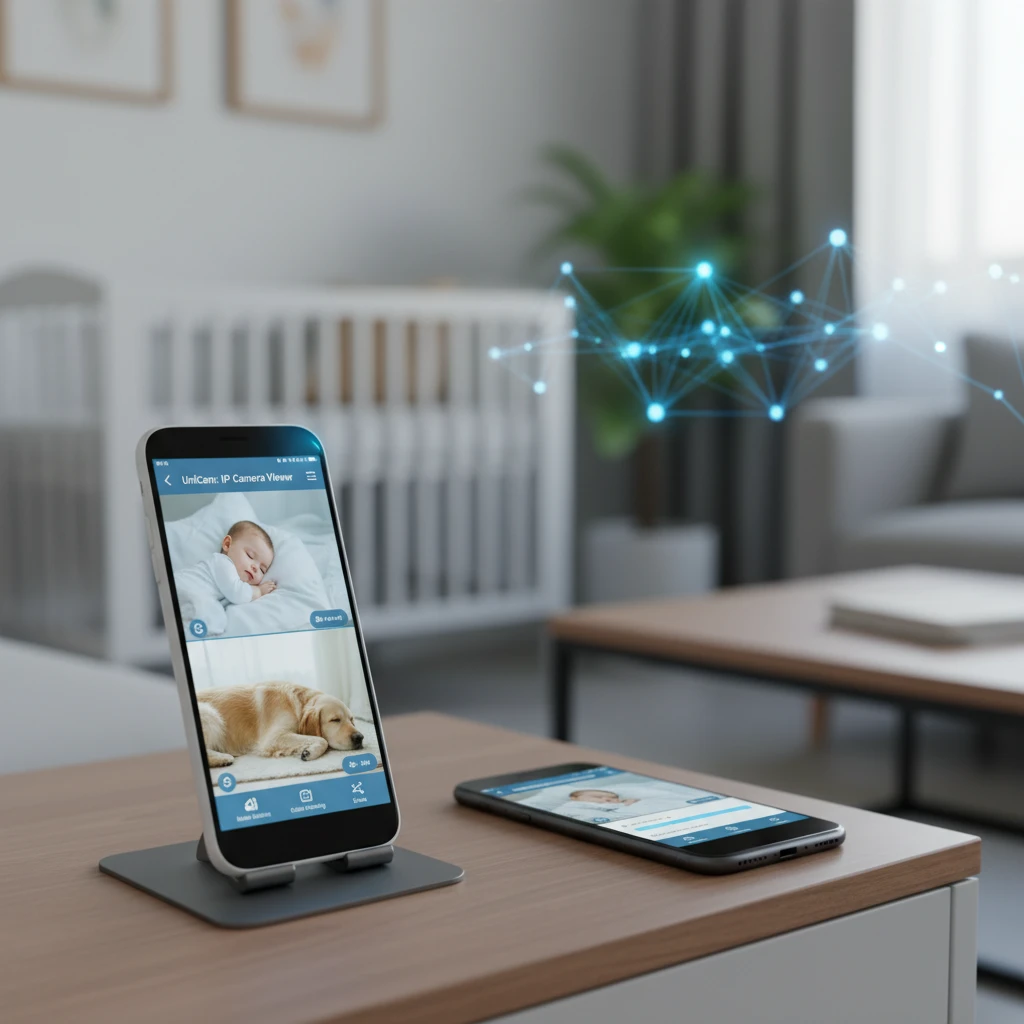
Smart baby pet monitor setup showing an old phone running UniCam: IP Camera Viewer, with a dog sleeping in the background.

Leaving your little ones or furry friends home alone can be a source of constant worry. Whether it's a sleeping baby in the nursery, a curious pet exploring the house, or an elderly family member needing occasional check-ins, knowing they're safe and sound offers invaluable peace of mind. Traditional monitoring systems often come with hefty price tags and complex installations, making smart home surveillance feel out of reach for many.

The challenge lies in finding an affordable, easy-to-use solution that delivers reliable monitoring without requiring a complete overhaul of your home tech. You want instant alerts, clear video, and the flexibility to check in from anywhere, all without breaking the bank or wrestling with intricate setups. The thought of repurposing devices you already own might cross your mind, but how can you truly transform an old smartphone into a professional-grade monitor?

This article will show you how UniCam: IP Camera Viewer and UniCam HUB provide a seamless, cost-effective way to create a smart baby pet monitor system. You'll learn how to breathe new life into an old phone, get immediate motion alerts, and access secure recordings, ensuring your loved ones are always just a tap away, bringing you unparalleled peace of mind.

Beyond Basic Monitoring - Unlock Proactive Protection with UniCam Smart Alerts and Event Recording

· 7 min read

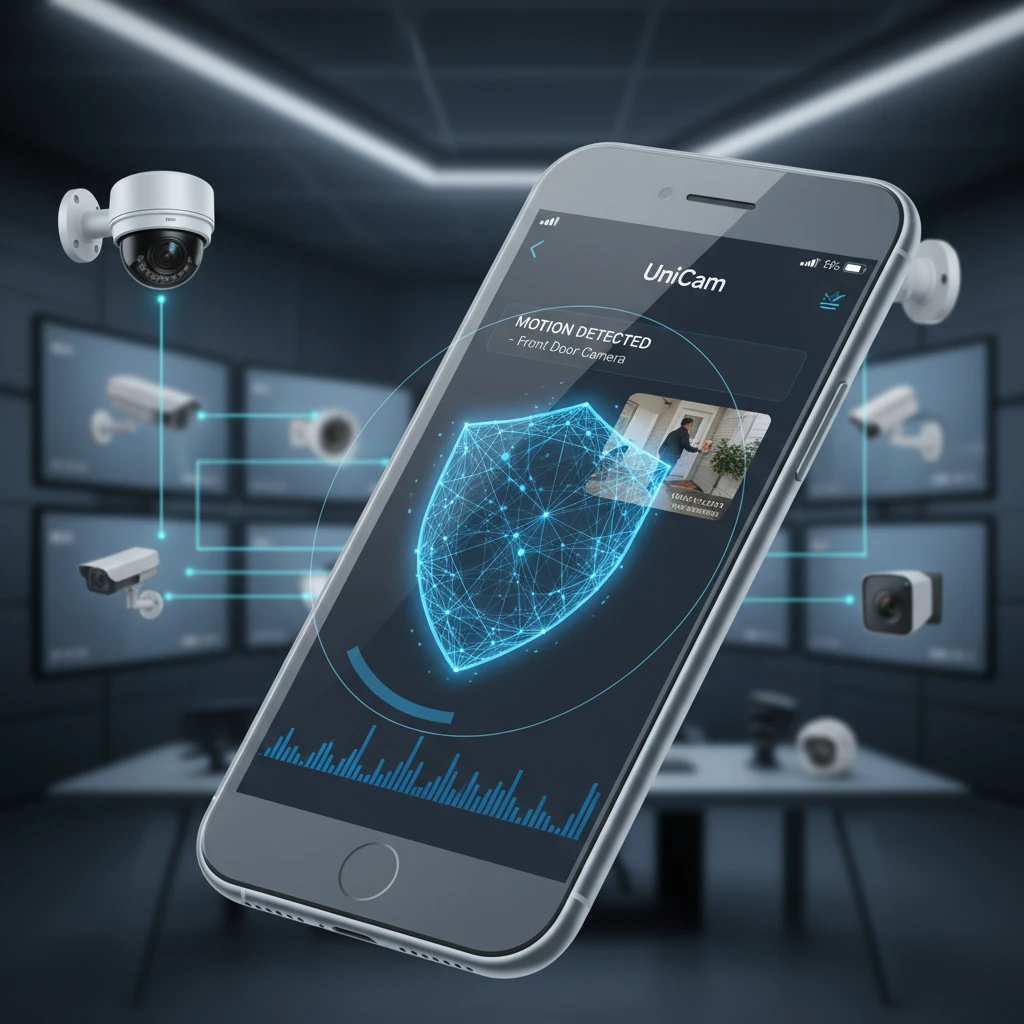
UniCam app displaying a motion alert on a smartphone, with security cameras in the background

In today's fast-paced world, simply "having" security cameras isn't enough. You need eyes that are always watching, always ready to notify you of critical events, and always capturing the moments that matter most. Moving beyond passive observation to proactive protection is the key to true peace of mind, whether you're safeguarding your home, business, or property.

This is where UniCam transforms your IP camera system from a mere recording device into an intelligent security guardian. Imagine receiving an instant alert on your phone the moment a package arrives, or being notified of unusual activity long before it escalates. UniCam empowers you to configure sophisticated smart alerts and reliable event recording, ensuring you're always in the know and have undeniable evidence when it counts.

Advantages Of Using IP Cameras At Home And In The Workplace

· 3 min read

Advantages of using remote monitoring

In today’s digital age, security and surveillance have become essential — both at home and in the workplace.
Traditional analog systems are gradually being replaced by IP cameras, a modern solution that uses Internet Protocol (IP) technology to transmit video and audio data over the internet or local networks.

In this article, we’ll explore the key advantages of using IP cameras and how UniCam makes managing them effortless.

How To Configure And Manage IP Cameras With UniCam

· 3 min read

UniCam Remote Monitoring

IP cameras have become an essential tool for security and surveillance — both in households and in business environments.
They offer high-quality video and audio monitoring, but to truly harness their full potential, proper configuration and management are key.

That’s where UniCam comes in — a powerful, cross-platform application that allows you to easily set up, configure, and monitor your IP cameras.
In this guide, we’ll explore how to correctly configure and manage IP cameras using the UniCam app.