Beyond Basic Monitoring - Unlock Proactive Protection with UniCam Smart Alerts and Event Recording
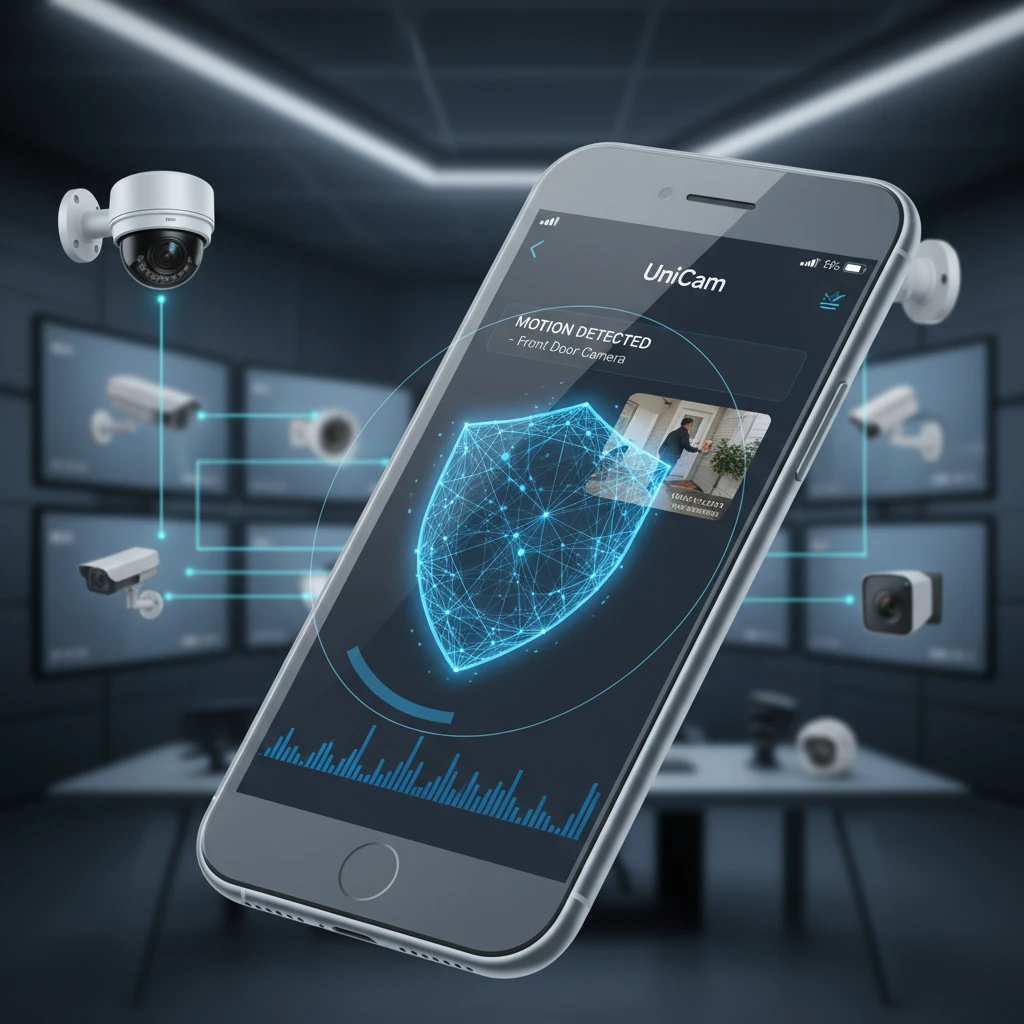
In today's fast-paced world, simply "having" security cameras isn't enough. You need eyes that are always watching, always ready to notify you of critical events, and always capturing the moments that matter most. Moving beyond passive observation to proactive protection is the key to true peace of mind, whether you're safeguarding your home, business, or property.
This is where UniCam transforms your IP camera system from a mere recording device into an intelligent security guardian. Imagine receiving an instant alert on your phone the moment a package arrives, or being notified of unusual activity long before it escalates. UniCam empowers you to configure sophisticated smart alerts and reliable event recording, ensuring you're always in the know and have undeniable evidence when it counts.
The Power of Proactive Protection - Why Smart Alerts Matter
The traditional security model often relies on reviewing footage after an incident has occurred. While valuable for evidence, it doesn't prevent or interrupt the event. Proactive protection flips this script, turning your surveillance system into an active participant in your security strategy.
From Reactive to Responsive - Real-World Benefits:
- Early Detection: Catch issues as they happen, like an unauthorized entry, a car pulling into your driveway, or even a child straying into a restricted area.
- Instant Awareness: Receive immediate notifications directly on your smartphone, tablet, or desktop, no matter where you are in the world.
- Deterrence: The visible presence of cameras, combined with the knowledge that you'll be instantly alerted, can deter potential intruders.
- Evidence Collection: Automatically triggered event recording ensures that critical footage is captured precisely when an incident begins, providing crucial evidence for law enforcement or insurance claims.
- Peace of Mind: Knowing your property is being intelligently monitored, and that you'll be informed of any significant activity, offers unparalleled comfort.
UniCam's Foundation for Intelligent Monitoring
UniCam isn't just an application; it's a versatile platform designed to make advanced surveillance accessible. Its robust compatibility and intelligent features lay the groundwork for a truly proactive security system.
Universal Compatibility for Comprehensive Coverage
One of UniCam's greatest strengths is its broad support for a wide range of IP cameras and streaming protocols. This universal compatibility is fundamental to building a smart alert system that truly works for you:
- ONVIF Support: As a leading industry standard, ONVIF ensures UniCam can seamlessly discover and integrate with thousands of cameras from various manufacturers. This means your existing ONVIF-compliant cameras can instantly become part of an intelligent alert network.
- RTSP/MJPEG/HLS Support: For cameras that don't fully support ONVIF, UniCam's ability to handle raw RTSP, MJPEG, and HLS streams means almost any IP camera can be brought into the fold. This versatility ensures you're not locked into specific hardware, allowing you to leverage different camera types for optimal coverage and event detection.
- Connecting the Dots: This broad compatibility ensures that no matter your camera setup, UniCam can act as the central brain, processing video streams to detect events and trigger alerts.
Always Connected, Always Aware - Remote Monitoring & Cross-Platform Power
What good is an alert if you can't receive it or act on it? UniCam's focus on remote monitoring and cross-platform access ensures you're always connected to your security system:
- Remote Monitoring: Once an alert is triggered, UniCam pushes notifications to your device, allowing you to instantly view live footage and assess the situation from anywhere with an internet connection.
- Cross-Platform Compatibility: Whether you're on iOS, Android, macOS, or Windows, UniCam provides a consistent, intuitive experience. This means you get real-time alerts and access to event recordings regardless of the device you're using.
Configuring Your Smart Alert System with UniCam
Setting up smart alerts in UniCam is intuitive and highly customizable, allowing you to tailor your system to your specific needs and reduce false alarms.
Step-by-Step Alert Configuration:
- Add Your Cameras: Ensure all your IP cameras are properly added and configured within UniCam. Leverage ONVIF discovery or manually add RTSP/MJPEG/HLS streams.
- Access Camera Settings: Select the camera you wish to configure alerts for and navigate to its specific settings.
- Enable Motion Detection: UniCam's robust motion detection engine is the core of most smart alerts.
- Define Detection Zones (ROI - Region of Interest): This is crucial for minimizing false alarms. Draw specific areas within the camera's view where you want motion to be detected. For example, you can monitor your doorway while ignoring a busy street or swaying trees.
- Adjust Sensitivity: Tune the sensitivity level to match your environment. Higher sensitivity will detect smaller movements, but might also increase false positives (e.g., leaves blowing). Lower sensitivity reduces false alarms but might miss subtle events. Experiment to find the sweet spot.
- Set Thresholds: Some cameras and UniCam's advanced settings allow you to define the size or duration of an object required to trigger an alert.
- Configure Alert Actions: Once motion is detected, tell UniCam what to do:
- Push Notifications: The most common and immediate way to receive alerts on your mobile devices.
- Email Notifications: Send detailed alerts, often with a snapshot of the event, to one or more email addresses.
- Event-Triggered Recording: Crucially, ensure that an alert triggers immediate recording. This transitions seamlessly into the next section.
Mastering Event Recording with UniCam
Smart alerts are powerful, but they're incomplete without reliable event recording. UniCam integrates these two functions to provide a seamless and effective security solution.
Intelligent Event Recording Features:
- Automatic Triggering: When a smart alert (like motion detection) is tripped, UniCam automatically starts recording video from that camera.
- Pre-Event Buffering: Many cameras, when integrated with UniCam, can utilize a pre-event buffer. This means the recording starts seconds before the actual trigger, ensuring you don't miss the initial moments of an incident.
- Post-Event Duration: Configure how long the recording continues after the motion or event stops, ensuring the full context of the incident is captured.
- Storage Management: UniCam allows you to manage where these event recordings are saved – typically to your local device (if supported), a network-attached storage (NAS), or directly to an NVR. You can also set retention policies to automatically delete older footage, optimizing storage space.
- Easy Playback & Review: All event recordings are timestamped and easily accessible within the UniCam interface. You can quickly filter and review specific incidents, eliminating the need to scrub through hours of continuous footage.
Practical Tips for Optimal Alert and Recording Setup:
- Test, Test, Test: After configuring alerts, walk through your detection zones, open doors, or simulate the events you want to capture to ensure everything is working as expected.
- Regularly Review Settings: Your environment might change (e.g., new landscaping, seasonal weather). Periodically review and adjust detection zones and sensitivity.
- Combine Continuous and Event Recording: For critical areas, consider using UniCam to manage both continuous recording (for full coverage) and event-triggered recording (for quick access to incidents).
- Utilize Schedules: Configure alert schedules so you only receive notifications during specific times (e.g., when you're away from home or after business hours).
- Secure Your UniCam Installation: Always use strong passwords for your cameras and UniCam account to prevent unauthorized access.
Conclusion
UniCam transforms the way you monitor your IP cameras, moving you beyond simple observation to intelligent, proactive protection. By empowering you to configure sophisticated smart alerts and reliable event recording, UniCam ensures you're always informed, always prepared, and always in control.
Embrace the future of surveillance. With UniCam's universal compatibility, remote monitoring capabilities, and intuitive alert/recording features, you gain unprecedented peace of mind. Stop reacting to security incidents and start preventing them. Unlock the full potential of your IP camera system with UniCam today.