Smart Baby & Pet Monitor Setup - UniCam Peace of Mind
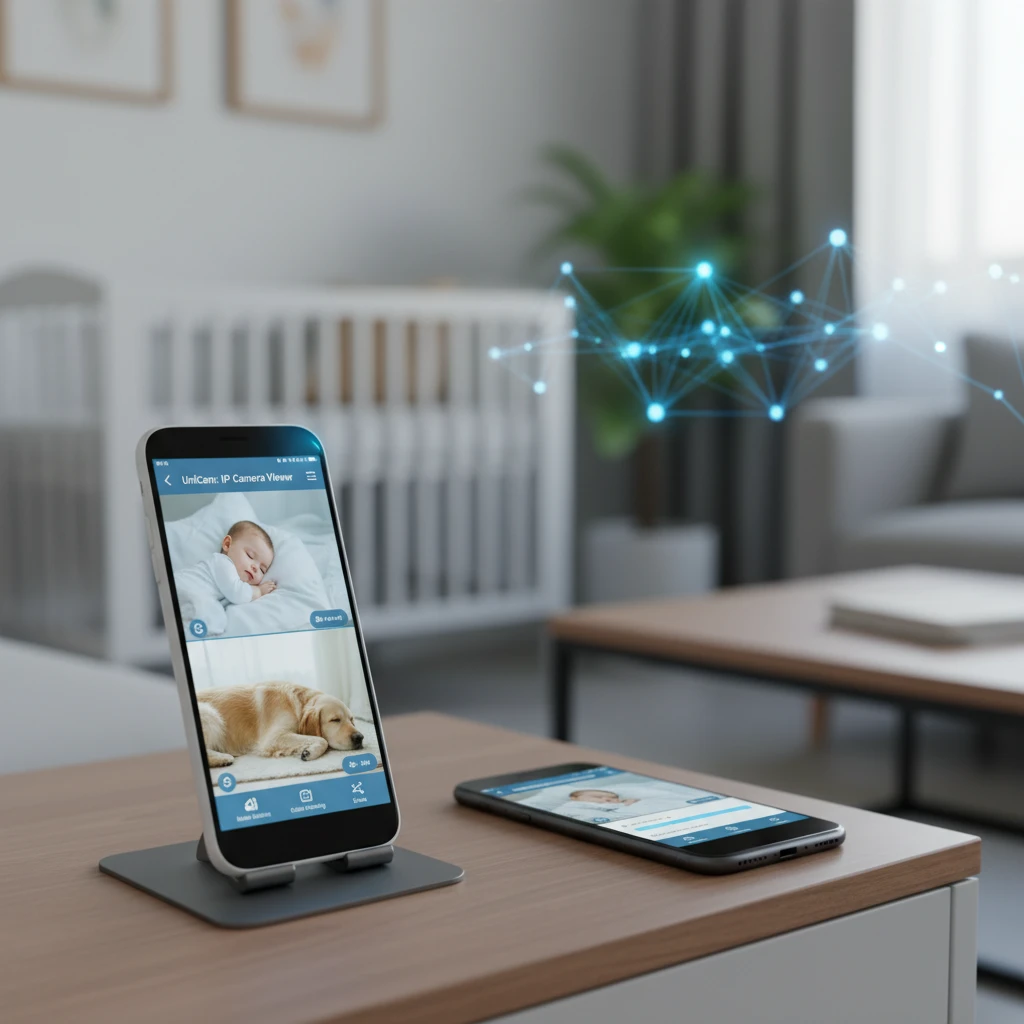
Leaving your little ones or furry friends home alone can be a source of constant worry. Whether it's a sleeping baby in the nursery, a curious pet exploring the house, or an elderly family member needing occasional check-ins, knowing they're safe and sound offers invaluable peace of mind. Traditional monitoring systems often come with hefty price tags and complex installations, making smart home surveillance feel out of reach for many.
The challenge lies in finding an affordable, easy-to-use solution that delivers reliable monitoring without requiring a complete overhaul of your home tech. You want instant alerts, clear video, and the flexibility to check in from anywhere, all without breaking the bank or wrestling with intricate setups. The thought of repurposing devices you already own might cross your mind, but how can you truly transform an old smartphone into a professional-grade monitor?
This article will show you how UniCam: IP Camera Viewer and UniCam HUB provide a seamless, cost-effective way to create a smart baby pet monitor system. You'll learn how to breathe new life into an old phone, get immediate motion alerts, and access secure recordings, ensuring your loved ones are always just a tap away, bringing you unparalleled peace of mind.
Key Takeaways
- Repurpose any old smartphone or tablet into a live-streaming monitor instantly.
- Get intelligent, motion-triggered alerts delivered directly to your device.
- Securely access and store video recordings in the cloud from anywhere.
- Monitor your baby or pet seamlessly across iOS, Android, AppleTV, and Web platforms.
Transform Your Old Phone into a Smart Monitor with UniCam Viewer
Do you have an old smartphone or tablet gathering dust in a drawer? With Unicam: IP Camera Viewer, that device can become the heart of your new smart baby pet monitor. Instead of buying expensive new equipment, you can repurpose an old iOS or Android phone, saving money and reducing e-waste. This feature allows your old phone to act as a dedicated live-streaming camera.
What it is: Unicam: IP Camera Viewer lets you use the camera of any old smartphone or tablet to stream live video, essentially turning it into a wireless IP camera. Why it matters: It’s an incredibly cost-effective way to set up a monitor, avoiding the purchase of specialized devices. You get a high-quality camera you already own, ready to stream. Real example: Place an old iPhone in your baby’s nursery or an old Android tablet in the living room where your pet often rests. With Unicam: IP Camera Viewer (for iOS) or Unicam: IP Camera Viewer (for Android) installed, it begins streaming, and you can watch the feed from your current phone, Apple TV, or a web browser.
Smart Alerts and Secure Recordings with UniCam HUB
While Unicam: IP Camera Viewer streams the video, Unicam HUB takes your monitoring to the next level with intelligent alerts and secure storage. This advanced management system processes your video streams, detecting motion and triggering events automatically, so you don't have to constantly watch a screen.
What it is: Unicam HUB is your central brain for camera management, handling motion detection and cloud recordings. It connects seamlessly with cameras set up via Unicam: IP Camera Viewer and other ONVIF-compatible IP cameras. Why it matters: You receive instant summarized notifications from motion detection events, meaning you're only alerted when something truly happens. All footage is safely stored in the cloud via encrypted connections, giving you peace of mind that important moments are captured and accessible from anywhere. Real example: Imagine you've stepped out, and your pet decides to jump on the forbidden sofa. Unicam HUB detects the motion, triggers a recording, and sends a summarized notification directly to your phone. You can immediately check the live feed or review the recorded clip to understand exactly what happened.
Seamless Monitoring and Sharing Across All Your Devices
One of UniCam's greatest strengths is its cross-platform compatibility and flexibility. Once your old phone is set up as a monitor, accessing its stream is effortless from virtually any device you use daily, ensuring you're always connected to your loved ones.
What it is: UniCam works across iOS, Android, tvOS (Apple TV), AndroidTV, Web, and Desktop. You can also arrange camera feeds into custom groups and easily share specific cameras or groups with family or trusted caregivers. Why it matters: This multiplatform approach offers unmatched convenience and accessibility. You can check on your baby from your phone while running errands, view your pet on the big screen with Apple TV, or even share a temporary feed with a pet sitter, all without complex setups or cables. Real example: A parent can monitor their baby's nap from their Android phone, while a family member uses their Apple TV to get a full-screen view of the pet in the living room. You can also create a 'Pet Sitter' group and share access for a specific period, allowing trusted individuals to monitor your animals while you're away.
Frequently Asked Questions
Can I use any old smartphone as a baby or pet monitor with UniCam?
Yes, almost any old iOS or Android smartphone or tablet can be repurposed into a live-streaming monitor using the Unicam: IP Camera Viewer app. This offers a cost-effective solution, utilizing existing hardware to provide high-quality video surveillance without needing to purchase new devices.
How do I get motion detection alerts with UniCam?
To get motion detection alerts, you'll need Unicam HUB running alongside Unicam: IP Camera Viewer (or any ONVIF compatible camera). The HUB processes the video stream, detects motion events, and sends instant, summarized notifications to your primary device, ensuring you're only alerted when necessary.
Is UniCam secure for monitoring my family and pets?
Yes, UniCam prioritizes security. Unicam HUB provides remote access to your cameras via secure and encrypted connections. Your cloud recordings are stored safely, ensuring that your private footage remains confidential and accessible only to authorized users.
What's the difference between UniCam: IP Camera Viewer and UniCam HUB?
Unicam: IP Camera Viewer is a cross-platform app for viewing camera feeds and repurposing old phones into cameras. Unicam HUB is an advanced system that runs on your hardware, offering centralized camera management, motion detection, event processing, and secure cloud recordings for all connected cameras.
Conclusion
Creating a smart baby pet monitor system doesn't have to be complicated or expensive. With Unicam: IP Camera Viewer, you can effortlessly transform an old phone into a reliable streaming camera, delivering live feeds of your loved ones. Paired with Unicam HUB, you gain intelligent motion alerts, secure cloud recordings, and the ultimate peace of mind.
Ready to watch over your baby, check in on your pets, or simply keep an eye on things at home? Take the first step towards a smarter, more secure home today. Download Unicam: IP Camera Viewer to get started, and explore Unicam HUB for advanced features. UniCam makes accessible, intelligent monitoring a reality for every home.